Feature 01
Smoother, More Dynamic Motion
Motion looks smoother, with more force and energy behind every action - movement feels grounded instead of stiff or floaty.

NewHappyHorse 1.1 - smoother motion, consistent characters, synced audio. Try it now
HappyHorse 1.1 is Alibaba's AI video generator. Turn text, a photo, or reference images into smooth, realistic video with synced audio. Describe your scene below and get your first video in minutes.
New users get 50 free credits - enough for one 1080P video.
Choose Text to Video, Image to Video, or Reference to Video. Add your input, select your video settings, and preview the result when it's ready.
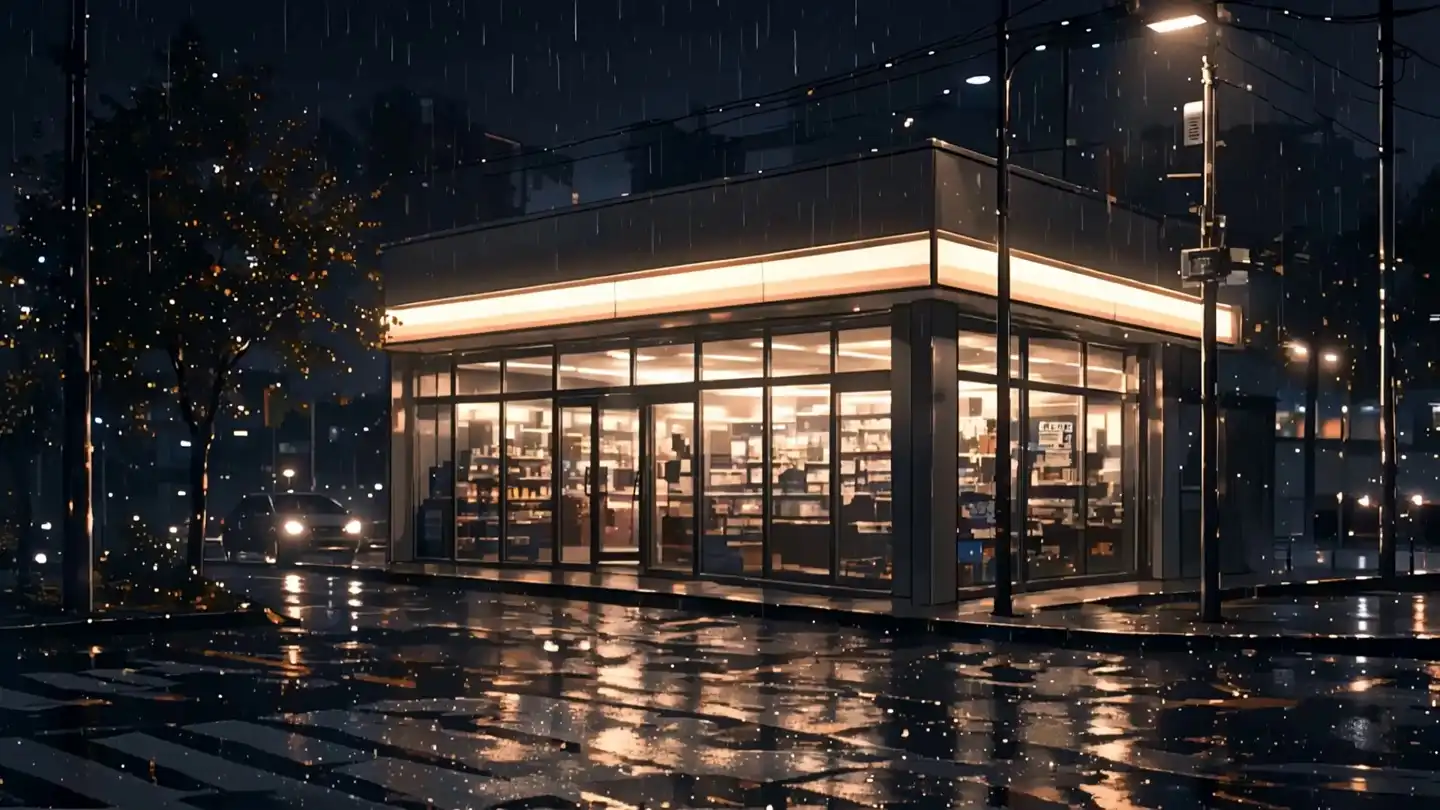
Improved motion, better consistency, real audio sync - everything that makes AI video actually usable.
Motion looks smoother, with more force and energy behind every action - movement feels grounded instead of stiff or floaty.
Multiple reference images blend together more precisely, so characters, products, and scenes stay consistent across the whole video.
HappyHorse 1.1 reads your input more accurately and organizes complex prompts more intelligently, so what you describe comes through more faithfully in the final video.
Skin texture and fine details look more lifelike, even in close-ups.
Audio lines up more precisely with the video, and the sound itself comes through richer and fuller.
HappyHorse 1.1 is the better choice when the video needs more natural motion, synced audio, or consistent people, products, and environments across a scene. HappyHorse 1.0 remains useful for fast, simple text-to-video and image-to-video generation.
Fast 720p and 1080p clips for short-form drafts and production tests.
Smoother action, stronger physical continuity, and less stiff character movement.
Text-to-video and image-to-video workflows for straightforward scene generation.
Adds a stronger reference-to-video workflow with up to 9 reference images for character, product, and scene consistency.
Useful for standard AI video generation and silent visual outputs.
Built for richer audio output and more precise visual-to-audio synchronization.
Quick ads, social clips, prompt testing, and lightweight production workflows.
Character-driven scenes, dialogue-style clips, brand assets, and cinematic sequences that need consistency.
Four steps. Works in your browser. No software or hardware required.
Three tabs at the top: Text to Video, Image to Video, and Reference to Video. Pick the one that matches your starting material.
Write a prompt describing the scene. In Image to Video, upload a source photo first. In Reference to Video, upload 1-9 reference images to keep characters or products consistent.
Choose 720P or 1080P resolution, select an aspect ratio, and set a duration from 3 to 15 seconds.
Most videos are generated within minutes, depending on demand and settings. No watermark. Commercial use included.
Text to video, image to video, and reference to video - see what HappyHorse 1.1 produces across all three modes.
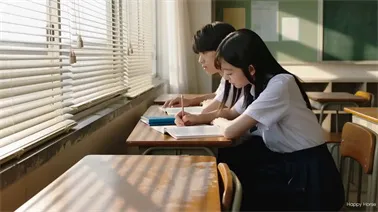
Two students sit side by side in an empty classroom, afternoon light catching every small movement. A glance turns into a moment neither one expects.
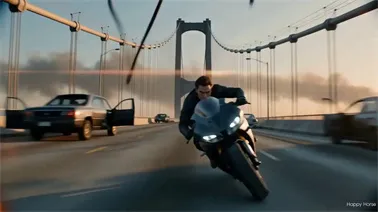
A rider weaves through wreckage as a helicopter closes in behind him. The bridge starts to give way beneath his wheels - and he doesn't slow down.
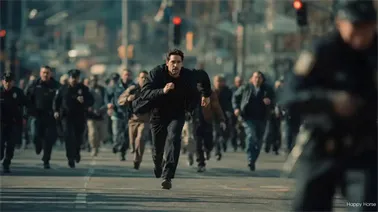
A man crashes through a fruit stand mid-sprint, fruit scattering across the ground. He glances back once before disappearing down the alley.
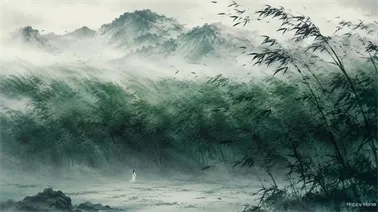
Wind tears through the bamboo as two fighters trade blows. The duel ends in a single freeze-frame, leaves still falling around them.
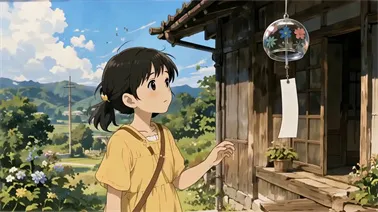
A girl finds an old wind chime on her porch, and a curious kitten can't resist it either - a quiet, warm summer afternoon, frame by frame.
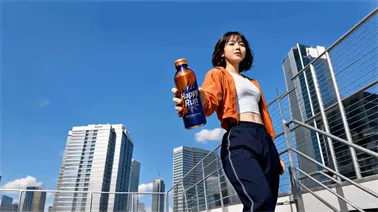
Three friends meet up on a rooftop, energy and sunshine everywhere. One drink, one cheer, and the whole afternoon feels like a commercial.
Built for creators, sellers, marketers, and storytellers who need video without the production overhead.
Turn a script into a story clip or product review without booking a location or hiring actors. You skip the filming and the multiple editing passes, so you can publish more videos in less time.
Create product videos that keep your item's shape, color, and detail consistent in every frame. It's a fast way to get listing and ad-ready video without renting a photo studio.
Produce promo clips and product demos with the audio already synced to the action. You skip a separate voiceover or sound design step, which means less time between idea and launch.
Test your script as a short clip before you commit to a full shoot. Reference-to-video keeps your characters consistent across scenes, so you can check pacing and tone early.
Buy credits once and use them to create AI videos online. All paid credit packs include commercial usage rights, watermark-free exports, and browser-based video generation.
$9.9/One-time
Perfect for beginners to explore AI video generation with HappyHorse.
$29.9/One-time
Ideal for creators who need more capacity and better value.
$49.9/One-time
Best for production teams that need high-volume video generation.
$99.9/One-time
Maximum value for studios and businesses with large-scale needs.
One-time credit packs. No subscription required. Commercial usage rights included with paid credits.
HappyHorse 1.1 is Alibaba's next-generation AI video model. It brings major upgrades to motion, character consistency, prompt accuracy, visual detail, and audio sync. It supports text-to-video, image-to-video, and reference-to-video generation, and works well for short dramas, e-commerce ads, and brand campaigns.
It uses your uploaded reference images - up to 9 at once - to keep the same face, outfit, or product shape across every scene and camera angle.
Yes. Upload one photo as your starting frame, then add a text prompt to guide the motion and action.
HappyHorse 1.1 uses a pay-as-you-go credit system: 8 credits per second at 720P, and 10 credits per second at 1080P.
Yes. Generated videos can be used for product listings, ads, and brand content, subject to platform terms.
No. HappyHorse 1.1 runs fully in your browser, so there's no software to install or hardware to buy.
HappyHorse 1.1 supports 720P and 1080P, with aspect ratios including 16:9, 9:16, 1:1, and several others.
Anywhere from 3 to 15 seconds. The default is 5 seconds if you don't set a custom length.
It improves on motion smoothness, subject consistency, prompt accuracy, visual detail, and audio sync compared to earlier AI video models.
JPEG, JPG, PNG, and WEBP. Files up to 20MB, with 720P or higher recommended for best results.
Yes. Describe the camera movement and shot type in your prompt - like a close-up, a low-angle wide shot, or a smooth pull-back - and HappyHorse 1.1 follows it.
Make your first AI video in minutes. No camera, no editing software, no advanced skills required.
Generate Your Video